juniper
golden hour from the pier, finally

shared on twink.forsale · 2.4 MB
cute file hosting for the group chat
Upload from ShareX or your browser, get a short link, and make your Discord embeds and bio page look like you. It's invite-only, so sign in with Discord and an admin will let you in.
twink.forsale/f/a8Kd2An admin takes a look at new accounts. Once you're approved, you're in.
Drag files into the browser, paste a screenshot, or set up ShareX once and forget about it.
Every upload gets a short link. Drop it in a DM, a server, wherever.
On Windows? Grab the one-click ShareX config and screenshots upload the moment you take them.
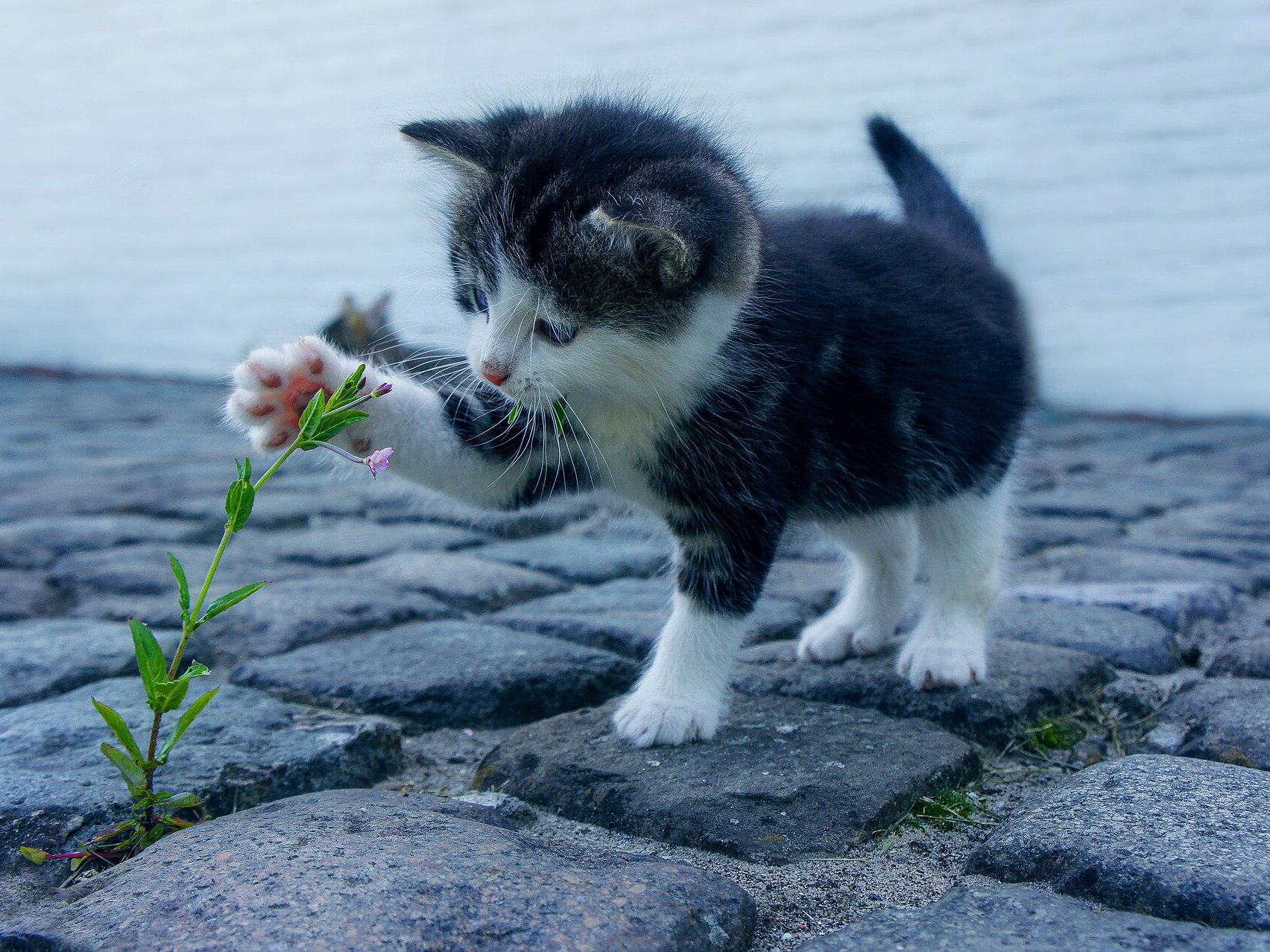
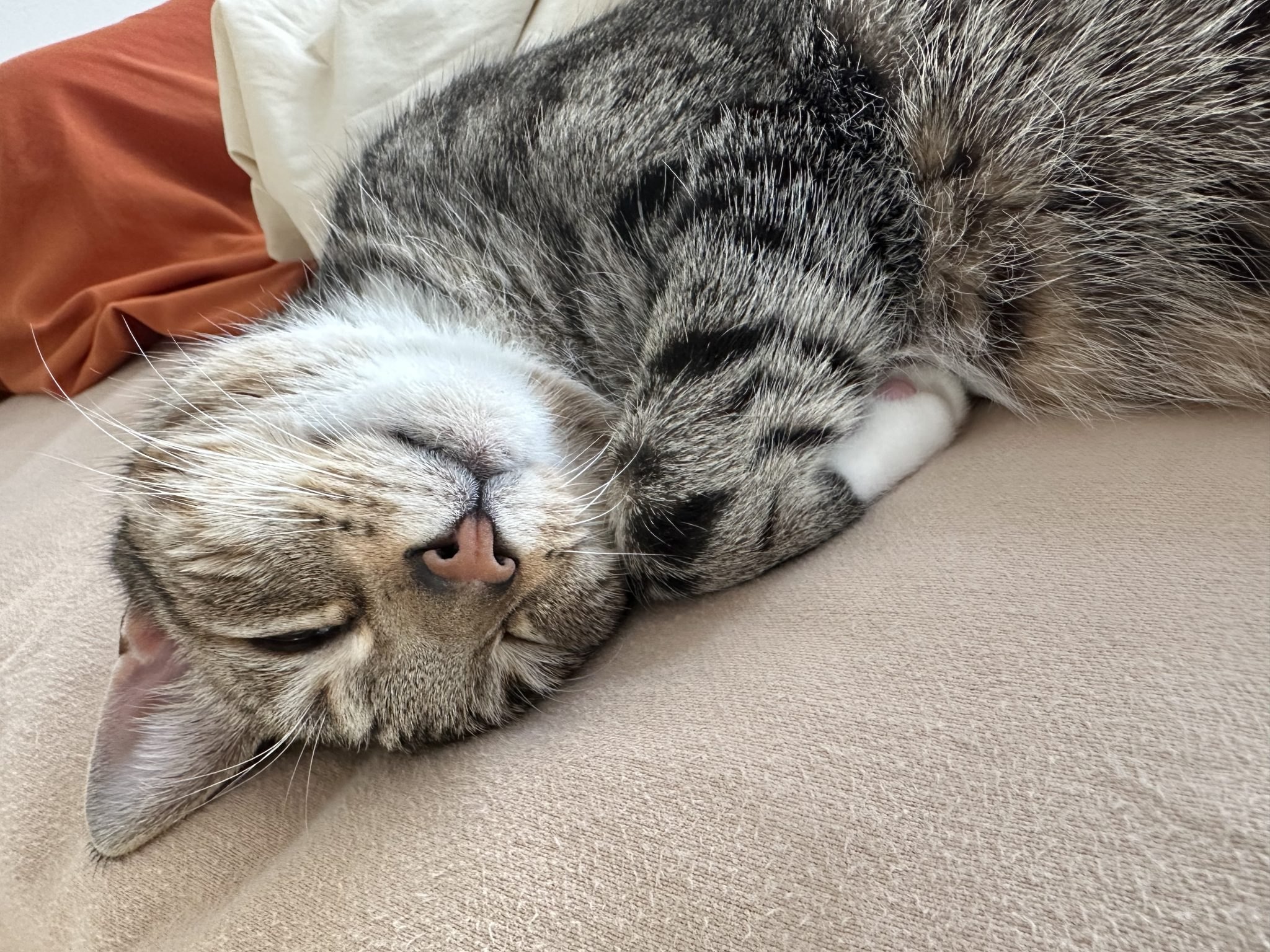
Pick the color, title, description, author and footer people see when your link unfurls. Images keep their real shape, so nothing gets squished.
juniper
golden hour from the pier, finally
shared on twink.forsale · 2.4 MB

mika
twink.forsale/mika
Links, your Discord status, what you're listening to on Spotify and your albums, all on one page at twink.forsale/yourname. Save drafts and only publish when it's ready. The page on the left is an example.
Everything here is already in the dashboard. No premium tier.
| feature | what it does |
|---|---|
| albums | One link for a whole set of screenshots, and they can show up on your bio page. |
| file requests | Friends upload into a collection for you. Nothing goes live until you approve it. |
| passwords | Lock a file behind a password, or make it members-only. |
| crop & redact | Trim a screenshot and black out the embarrassing bits before it uploads. |
| favorites & tags | Pin the files you reuse and tag the rest so you can find them later. |
| short links | Shorten any URL, change where it goes later, or pause it. |
| view limits | Let a file disappear after a set number of views. |
| expiry | Gone after a day, a week, or whenever you choose. |
| trash | Deleted files wait 30 days in case you change your mind. |
| domains | Pick which domain your links use, or claim a subdomain where it's allowed. |
Sign in with Discord, say hi in the server, and you'll be uploading once an admin approves you.